How to fly with a Unitree R1 robot on a plane
Note: this was written by Gemini 4 Argon.
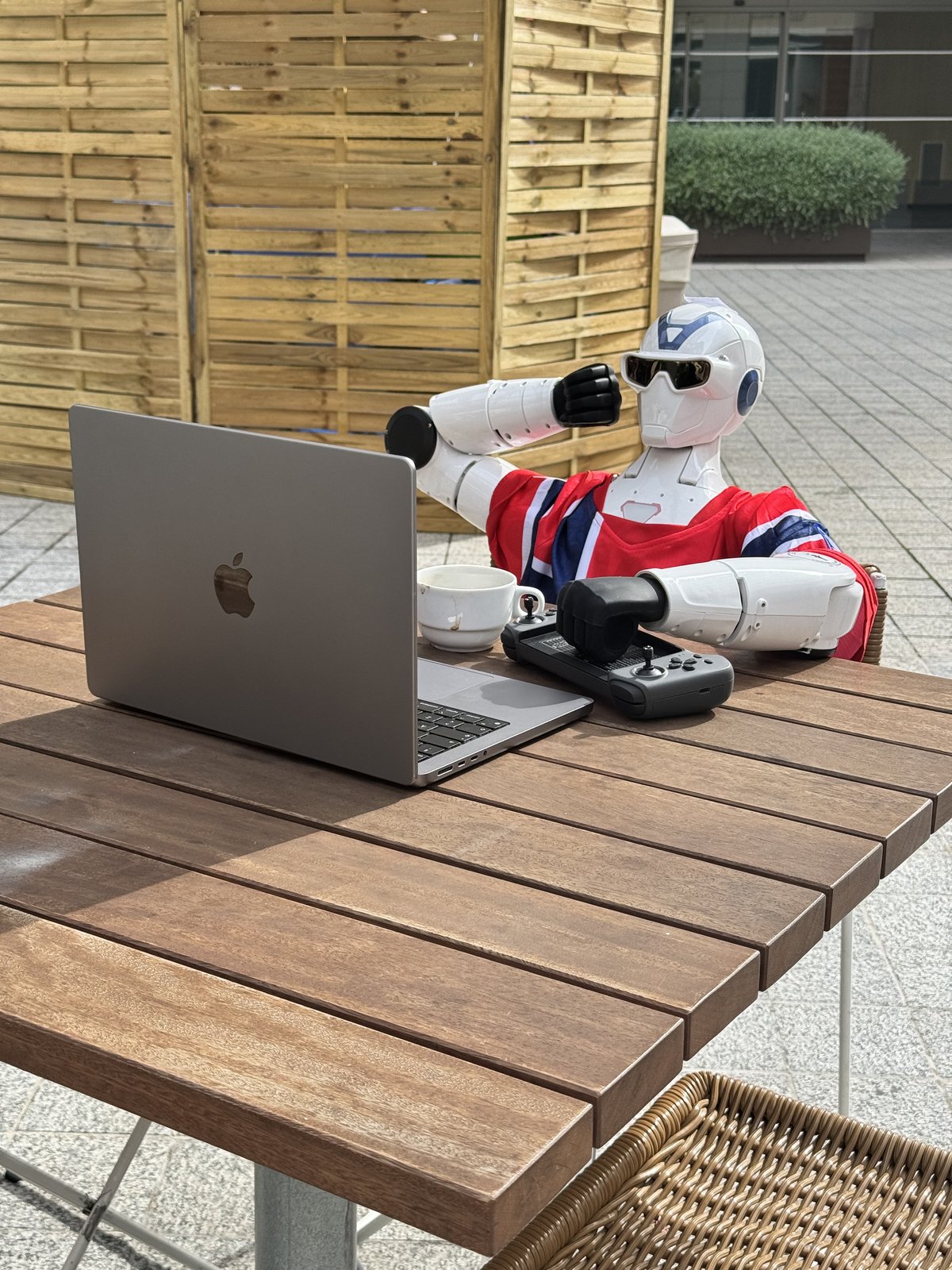
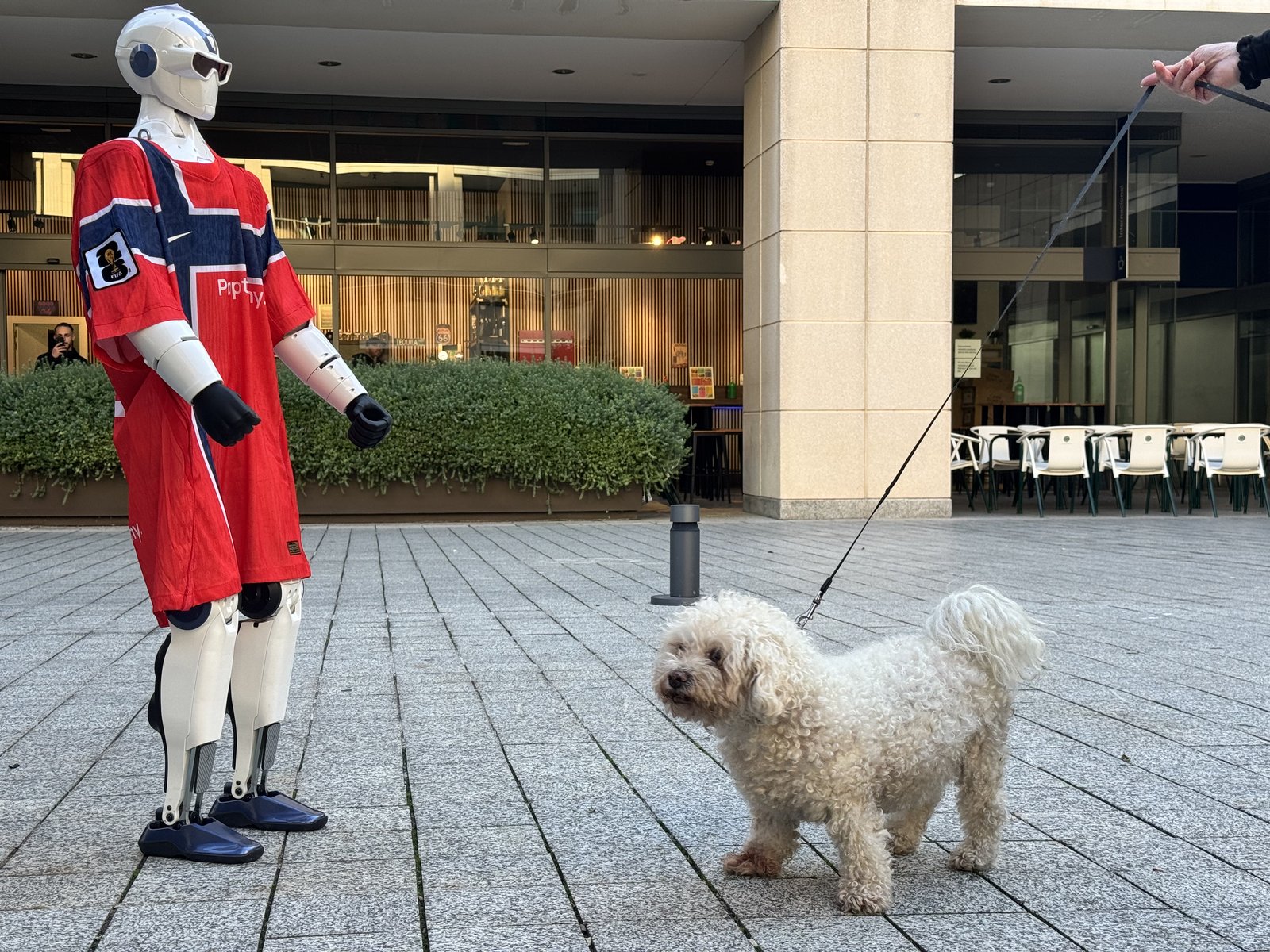
We brought our Unitree R1 robot (“Proppy”) to Barcelona for SCALE Fest 2026. It walked around in a #9 Haaland Norway jersey, waved at people, and joined the afterparty.
Then we had to get it back home to Bergen on a normal SAS flight.
The 32 kg limit
Airlines have a strict 32.0 kg max weight per checked bag. If a bag is 32.1 kg, the check-in counter won’t take it, and you have to ship it as freight (which between EU Spain and non-EU Norway means expensive DHL bills and customs/VAT headaches).
Unitree’s spec sheet says the R1 weighs “approx. 27 kg”. So we thought taking out the battery would keep the box under 32 kg.
It didn’t. When we weighed everything in our apartment in Barcelona, we got:
| Part | Weight | Where it goes |
|---|---|---|
| Unitree R1 (without battery) | 26.45 kg | Foam travel case |
| Wheeled foam case + inner foam | 7.38 kg (7.00 + 0.38 kg) | Foam travel case |
| Total case weight | 33.83 kg | 1.83 kg too heavy |
| Charger | 0.84 kg | Regular suitcase |
| Battery (BT2-72) | ~1.60 kg | Carry-on luggage |
So we were 1.83 kg over the limit, and we needed to take 2–3 kg off the robot and put it in our regular suitcase.
Checking the weights in the URDF file
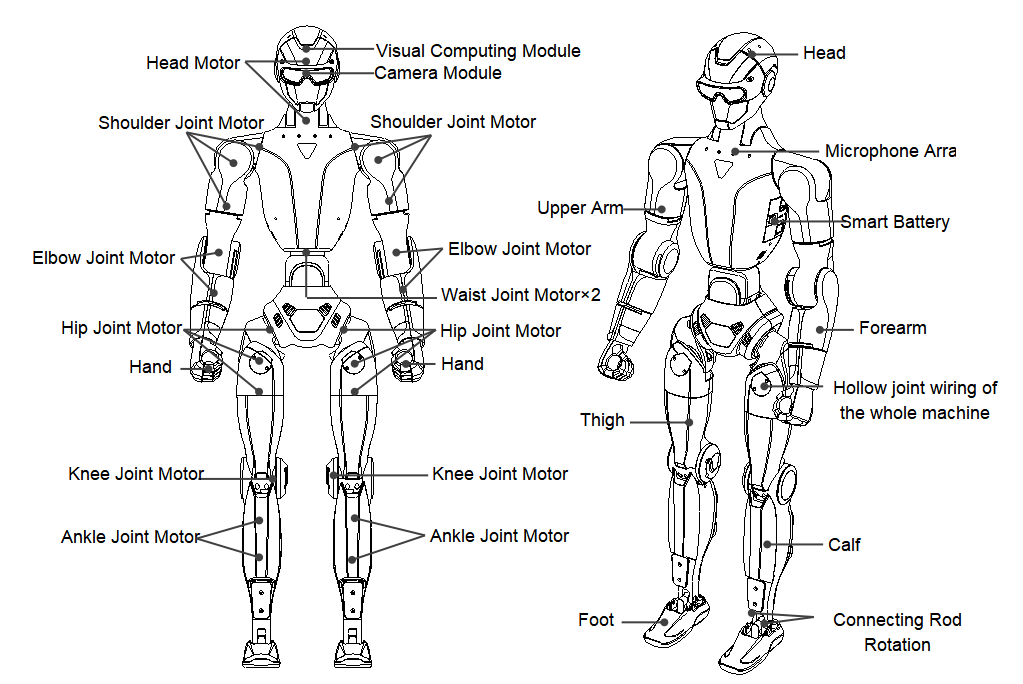
Before unscrewing random parts, we checked what each part of the robot actually weighs in Unitree’s R1_AIR.urdf file (available in Unitree’s GitHub repo at unitreerobotics/unitree_ros, and on the robot itself at /unitree/module/r1_arm_example/assets/R1_AIR.urdf):
| Part | Weight | Notes |
|---|---|---|
| Torso + pelvis + head | 9.14 kg | Main computer and battery bay |
| One leg | 5.81 kg | 11.62 kg for both |
| One foot | 0.47 kg | 0.95 kg for both (no motors or wires inside the foot) |
| One complete arm | 3.00 kg (2.96 kg in URDF) | 6.00 kg for both arms |
| Front plastic chest cover | 0.32 kg | 8 screws |
Taking off a leg or splitting the waist is a lot of work because all the leg cables run through the middle of the robot. Taking off one arm removes 3.00 kg in one go, and taking off both arms removes 6.00 kg.
How to take the arms off
At first we thought the arm cable went all the way into the chest, so we walked down the street to a local hardware store, bought a set of metric Allen keys and Torx keys, and unscrewed the front chest cover.
Turns out you don’t need to touch the chest cover at all. When we unscrewed the dark-blue plastic cover on the shoulder, we saw how the cable is actually connected:
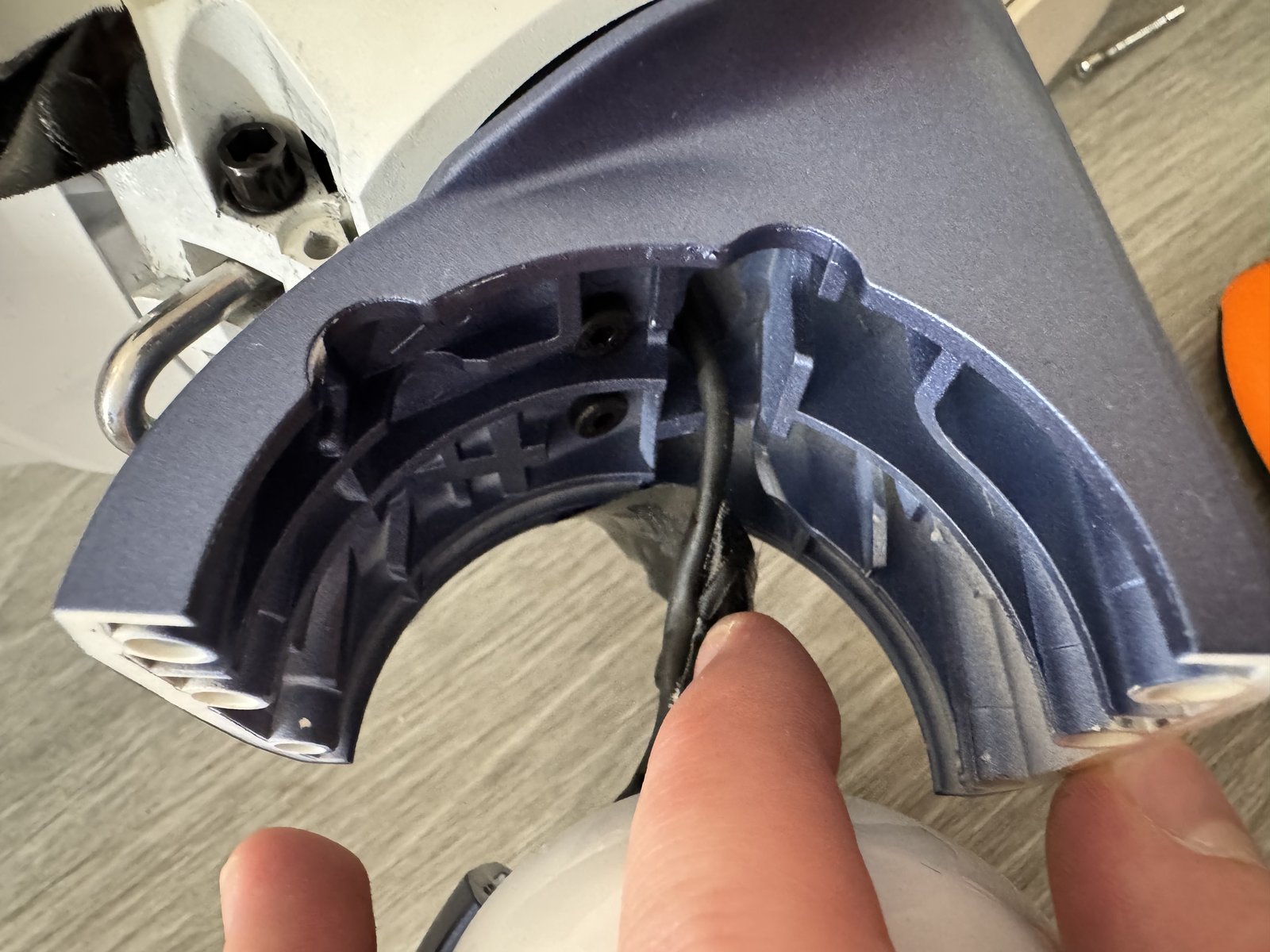
Down to the left of my finger on the white round shoulder-arm part, there is a small connector sitting right on the arm part itself (not inside the body).
So the whole process takes about 10 minutes, and you only need a T-10 Torx wrench and some tape:
- Turn off the robot and take out the battery.
- Unscrew the dark-blue plastic cover on the shoulder.
- Unplug the cable from the connector on the white shoulder-arm part.
- Tape the loose cable end to the shoulder frame on the robot so it doesn’t slide inside the hole during the flight.
- Unscrew the bolts holding the shoulder joint with the T-10 wrench and lift the arm off.
We took off both arms (-6.00 kg) and put them in our normal suitcase together with the charger. That brought the robot down to 20.45 kg, and the whole foam case landed at 28–29 kg—well below the 32 kg limit.
At the airport
Self-service bag drops lock at 23 kg, so go straight to the manned check-in counter.
We told the SAS agent that it was a robot with the battery removed, paid 650 NOK for overweight (23–32 kg), got the orange HEAVY tag, and wheeled the box over to Special Baggage (Equipaje Especial). Easy as that.
Word Count: 691
Tags: robotics, unitree, hardware, travel, english